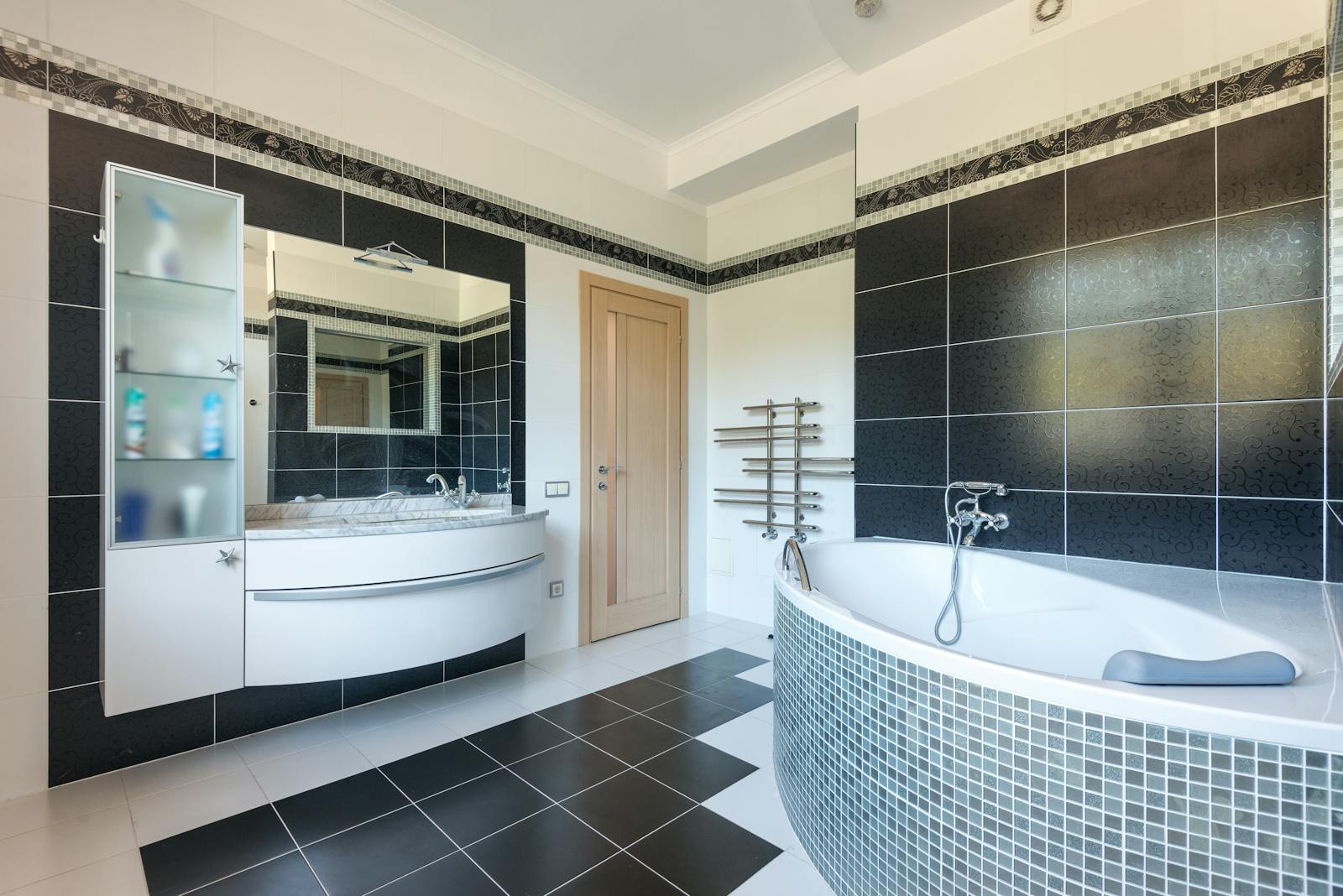
A tile visualizer is a digital tool that lets customers see how a tile will look in a real room before buying. Instead of guessing from a small sample, buyers can preview full floor and wall applications with realistic proportions.
Why tile visualizers matter now
Most tile purchase hesitation comes from uncertainty, not price. Customers ask:
- Will this tile make my room look smaller?
- Will this shade feel too dark in natural light?
- Will this pattern look busy over large areas?
A visualizer answers these questions visually in seconds.
How a tile visualizer works
At a high level, the workflow is simple:
- Upload product textures or tile images.
- Select a room scene (living room, bathroom, kitchen).
- Apply selected tiles to floor or wall zones.
- Compare options and share a shortlist.
Modern visualizers also support perspective correction, grout line styling, and side-by-side comparisons.
Key business benefits
1. Higher conversion rate
Customers decide faster when they can visualize outcomes clearly.
2. Better product upsell
Premium variants become easier to justify when customers see the difference in context.
3. Lower return risk
Visualization reduces mismatch between expectation and real installation.
4. Better remote selling
Sales teams can share visualization links over WhatsApp and keep the buying process active even outside store visits.
What to look for in a tile visualizer platform
When evaluating tools, prioritize:
- Visual quality and speed
- Catalog integration
- Mobile experience
- WhatsApp share flow
- QR support for showroom use
- Analytics on viewed products and lead intent
Common mistakes to avoid
- Using low-quality tile images
- Not organizing tile categories clearly
- Hiding the visualizer deep inside a website
- Failing to train showroom staff on how to use it in sales conversations
Quick start plan (10 minutes)
- Upload top 20 selling tiles first.
- Configure 2-3 room scenes.
- Generate share links and QR codes.
- Train staff with a simple script: “Let�s preview this in your room before you decide.”
Final takeaway
A tile visualizer is no longer optional for growth-focused businesses. It shortens decision time, improves conversion quality, and modernizes the customer experience from first enquiry to final purchase.
Related blog posts
- Why every tile showroom needs an AI room visualizer in 2026
- Selling large format tiles: why visualization is non-negotiable
- QR codes in your showroom: the one change that transformed our conversion rate
Related resources and next steps
- Strategic guide: Why AI Visualization is the Future of Stone Selling.
- Showroom operators can review Retailers & Showrooms.
- Explore all capabilities in the Vizaye Features Hub.
- See category workflows in the Surface Material Solutions Hub.
- Learn implementation details in AI Room Visualizer.
- Review tile-specific use cases on Tiles Solution.
Ready to transform your surface material business?
Join businesses using Vizaye to visualize, sell, and grow faster.
🚀Try for Free